


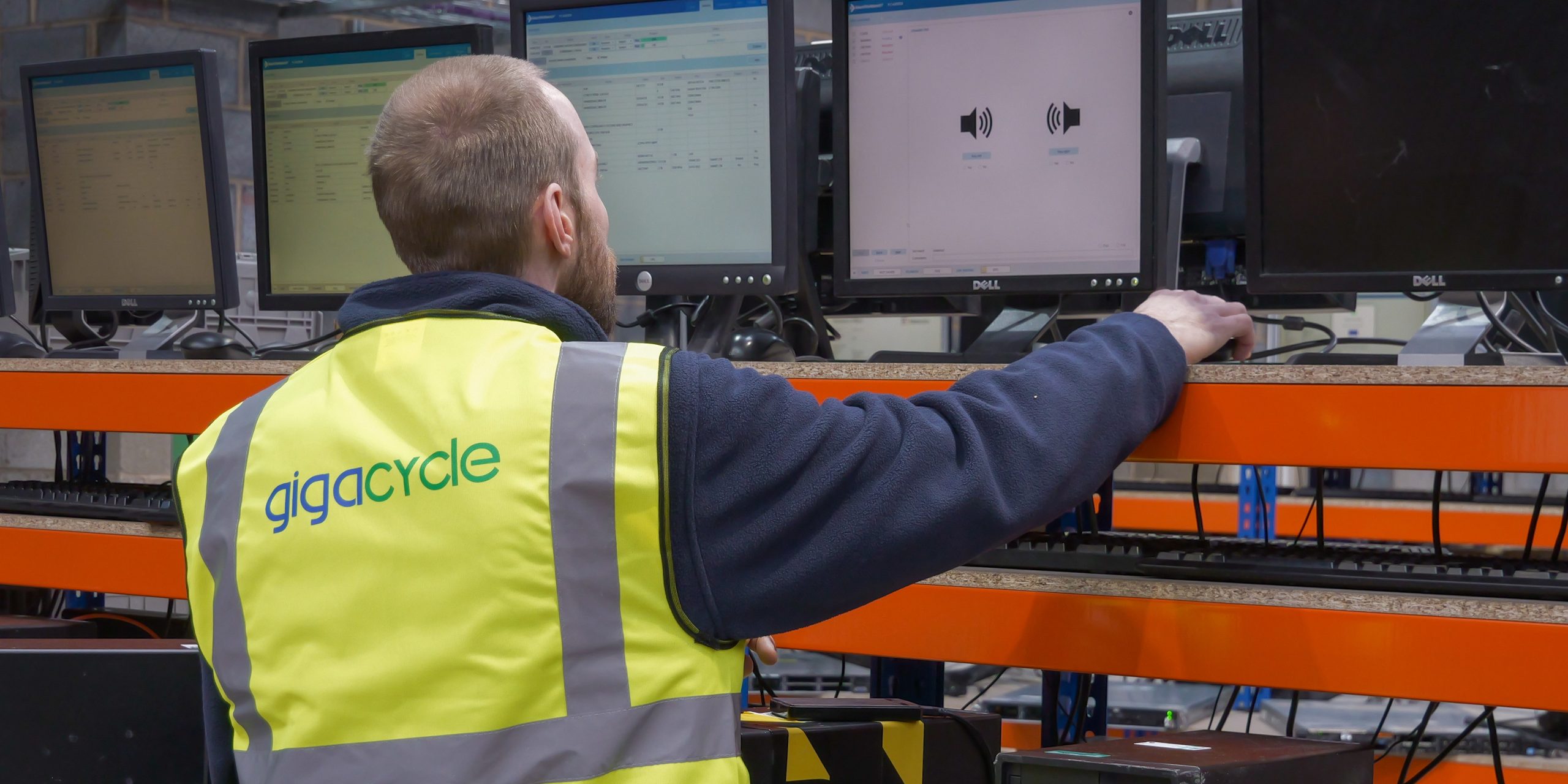
Data Erasure vs Data Destruction vs Data Sanitisation: Key Differences
When a business gets rid of an old laptop, hard drive or SSD, deleting the files is not the same as removing the data securely. Choosing the right method depends on what is stored on the device, whether the hardware needs to be reused and how much assurance is required that the information cannot be recovered. This is where the difference between data erasure vs data destruction becomes important.
Understanding how they work makes it easier to choose the right method for each device without destroying hardware that could still have a second life.
What Is the Difference Between Data Erasure and Data Destruction?
The simplest difference is what happens to the device afterwards.
Data erasure vs data destruction comes down to whether the device remains usable. Data erasure removes all data from the device using software while keeping the device physically intact. This means the device can potentially be reused, redeployed or remarketed.
Data destruction takes a different approach. The storage media is physically damaged so that the data can no longer be accessed from the device.
Choose between data erasure and data destruction isn’t about which method is more secure. It is about which method provides the appropriate level of protection while also considering whether the assets will be reused.
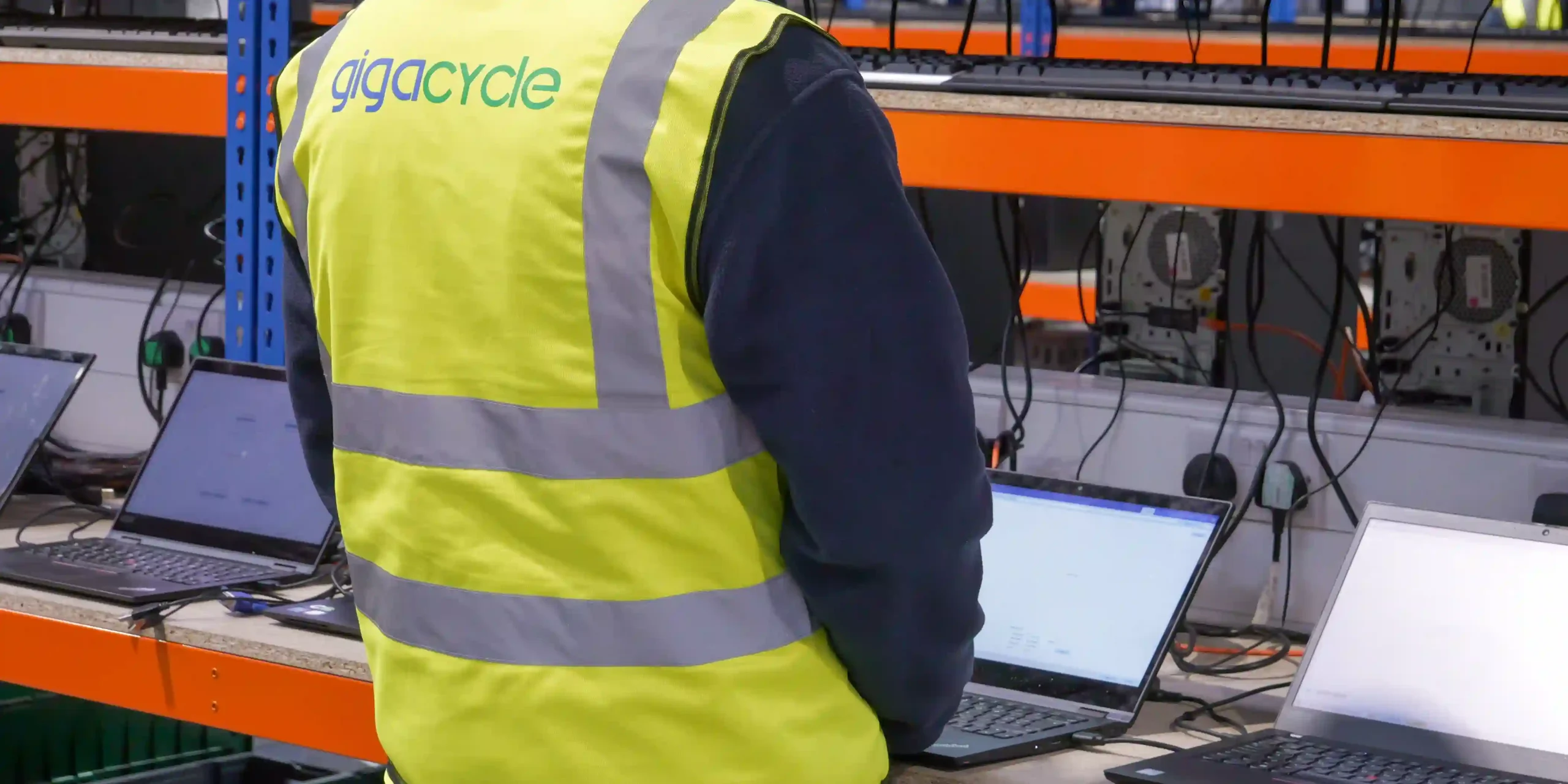
Is Data Sanitisation the Same as Wiping?
Data sanitisation is the permanent removal of data stored on a device. Whereas Data wiping overwrites existing data on a device with zeros, ones or a random pattern to make it unreadable.
Understanding data sanitisation vs wiping is important because the two might be used interchangeably despite having different meanings.
For example, media sanitisation methods such as media wiping may be appropriate approach for reusable hard drives.
Knowing the difference matters as modern SSDs are more complex and move the data around to extend the drive’s lifespan. This means that data wiping may not be able to overwrite the data like it does for traditional hard drives.
Data Deletion is Not Data Destruction
One of the biggest mistakes businesses can make is treating deleting files the same as data destruction.
The difference between data deletion vs destruction is particularly important when equipment is being reused, recycled or redeployed.
Deleting files removes them visibly off the operating system however the actual data remains on the drive.
Secure deletion needs to go further than simply putting files in the bin or selecting delete. The business needs to use a suitable sanitisation method and verify the process has worked.
Which Method Allows a Device to Be Reused?
If the hardware still has value, data erasure can often be a preferable to physical destruction.
This is where data erasure and data destruction services can take very different approaches depending on the condition and future of the device.
For reusable equipment, a secure erasure process can remove the previous user’s information while leaving the laptop, desktop or drive intact. The asset can then move into refurbished, redeployment or resale. This process is sometimes referred to as logical erasure and can provide a secure alternative to physical destruction when reuse is the objective.
However, using data erasure may not always be the right choice. Devices that are damaged, failing or unsuitable for reuse may be more suited to a data destruction approach.
When is Physical Destruction the Better Option?
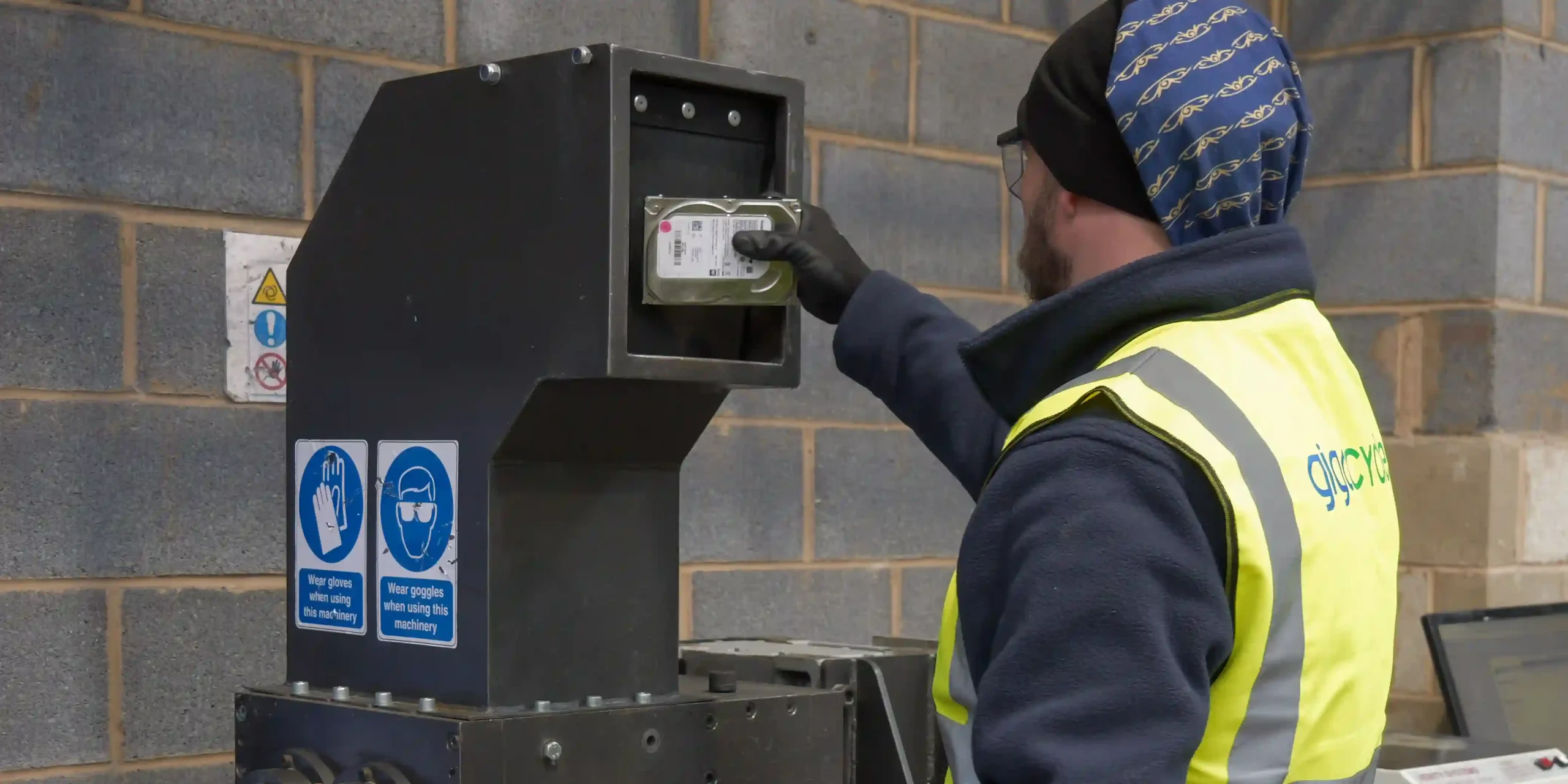
Physical destruction is designed to make the storage media unusable.
It can be useful when a drive has failed and cannot be reliably sanitised through software, when the media is not suitable for reuse, or when the required security level calls for destruction rather than reuse. In these cases, drive destruction may provide the highest level of assurance.
Physical data destruction and hard drive shredding are therefore useful options when keeping the storage media is unnecessary.
Recoverability is the Key Consideration
The main purpose of sanitisation is to reduce or eliminate the possibility of recovering previous information.
That makes recoverability an important consideration when selecting a method.
A business should consider:
- What type of storage media is involved?
- How sensitive is the information?
- Does the device need to be reused?
- Is the storage media working correctly?
- Can the chosen method be properly verified?
These questions help determine whether data erasure, data purge or data destruction is appropriate.
The cheapest or quickest method is not necessarily the best one if it does not provide the required level of assurance.
Why Verification and Documentation Matter
It is important that businesses can demonstrate what happened to the device.
Verification helps confirm that the chosen method has been completed successfully.
Good records can link the sanitisation result back to the individual asset. This can include details such as the device, method used, date, result and processing information.
A sanitisation certificate can provide documented evidence that the data on a device has been permanently erased or physically destroyed.
For businesses managing large numbers of devices, this becomes especially important. If someone later asks what happened to a particular laptop or hard drive, the business should be able to trace the asset and show what was done.
This is also why data destruction certificates are useful when physical destruction has been selected. They provide evidence that the relevant media was processed.
Choosing the Right Method for Your IT Estate
There isn’t a method that is automatically right for every device.
A practical approach is to assess the asset before deciding what happens next:
Reuse
If the device is working and still has useful value, secure data erasure allows it to be reused as the data has been securely removed. This approach may include a secure erase process.
Destroy
If the device has been damaged, unusable, or the data must be destroyed then data destruction is the better option.
This approach prevents businesses from taking an unnecessary route but still ensuring sensitive information is dealt with properly.
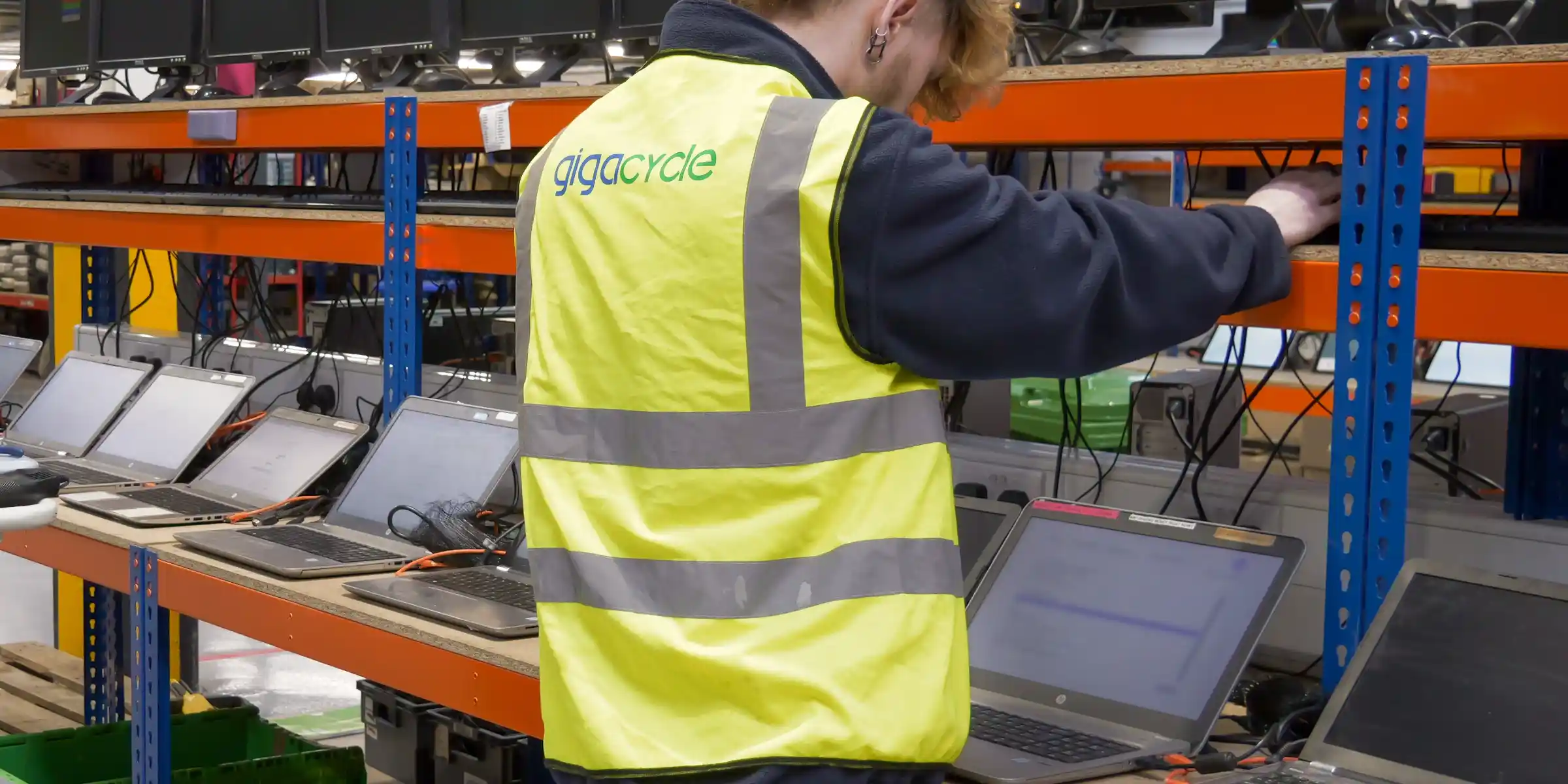
Data Destruction Best Practices
Whichever method is selected, the process should be consistent and documented.
Following recognised data destruction best practices, such as using certified methods, maintaining a detailed audit trail and partnering with a certified partner can help businesses reduce risk and support compliance throughout the process. Understanding terms such as clear purge destroy, secure erase and data sanitisation can also help businesses select the most appropriate approach.
Most importantly the decision should be made before the equipment leaves the business. Once devices enter a disposal process it becomes hard to demonstrate exactly how the data was handled unless the process has been properly recorded. To learn more about creating a secure and documented process, read our guide to data destruction best practices.
Conclusion
The distinction between erasure, sanitisation and destruction becomes much clearer when you consider what you want to happen to the device afterwards.
If the goal is reuse, then data erasure is the best option to securely remove the data and keep the device intact.
If the hardware cannot be reused, then data destruction is the most appropriate choice.
Secure data handling is not about automatically choosing the most destructive option. It is about matching the sanitisation method to the sensitivity of the data, the condition of the device and the intended end-of-life route, while keeping enough evidence to demonstrate that the process was completed correctly.