


How to Store IT Equipment Securely While It Awaits Destruction
An old laptop is sitting in a cupboard. A box of hard drives is waiting in an office. It might seem harmless, but until devices have been securely erased or physically destroyed, the data they contain can still present a risk.
This is why secure storage IT equipment awaiting destruction is an important part of the disposal process. Equipment should be protected, access restricted and clear records maintained until collection or processing takes place.
Where Should Devices Awaiting Destruction be Stored?
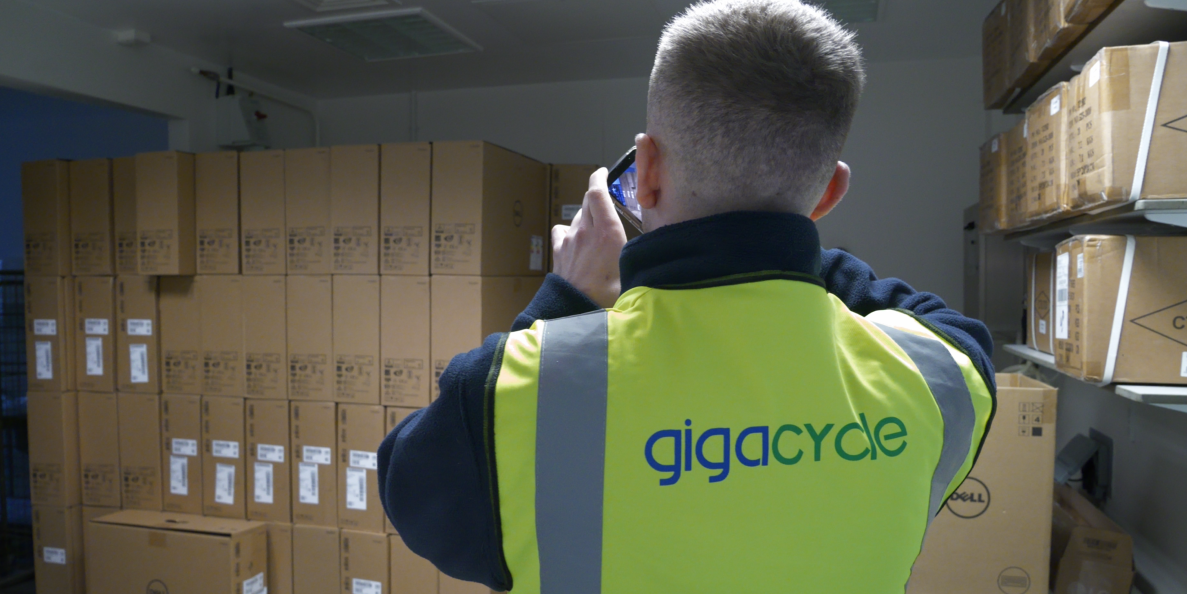
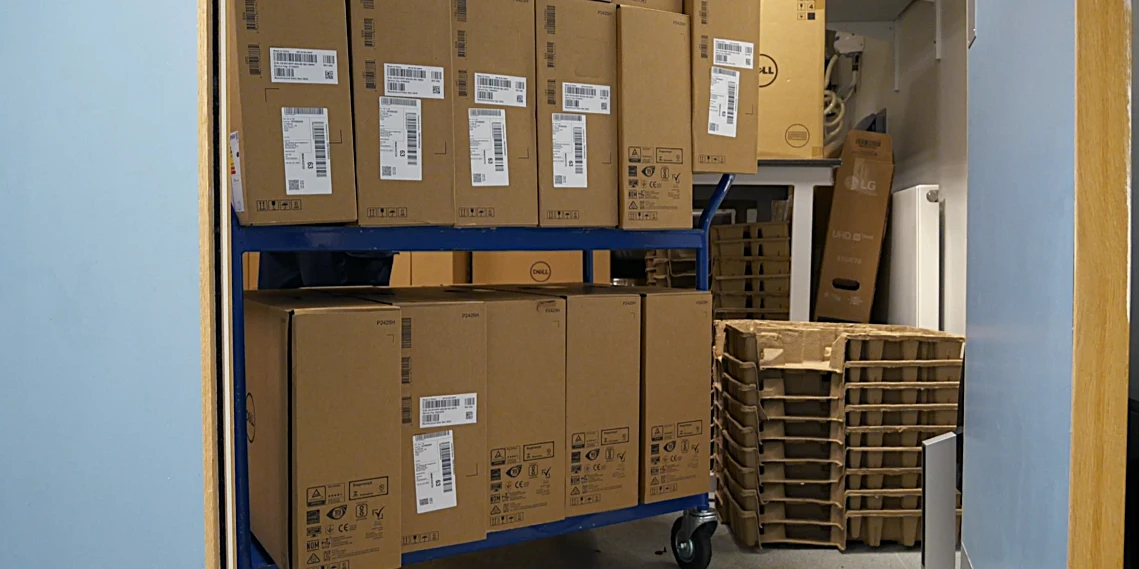
Retired IT equipment should be stored in a secure holding area rather than being left in an open office, storeroom, or general recycling area. This helps reduce risks associated with devices awaiting destruction storage.
The location does not have to be a specialist facility the important part is that the location provides security and that access can be controlled.
A secure holding might be a locked room, restricted section of an IT department or dedicated storage facility. For larger businesses, secure cages can provide an additional layer of separation within a warehouse.
The key is to treat retired equipment as an active part of the disposal process rather than ordinary extra stock.
Where Does Storage Matter if the Equipment is Already Retired?
Retied does not mean risk free.
A laptop that has been removed from an employee’s desk may still contain:
- Emails
- Documents
- Credentials
- Customer Information
- Business data
A hard drive waiting for destruction can contain the same information it held while it was in use.
There is also a physical risk. If retired equipment is left unsecure, it can be misplaced, removed accidentally, or taken by someone who should not have access to them.
Good storage therefore protects both the data and the business’s ability to account for its assets.
Restricted Access to Retired Equipment
One of the simplest controls is deciding who can access the storage area.
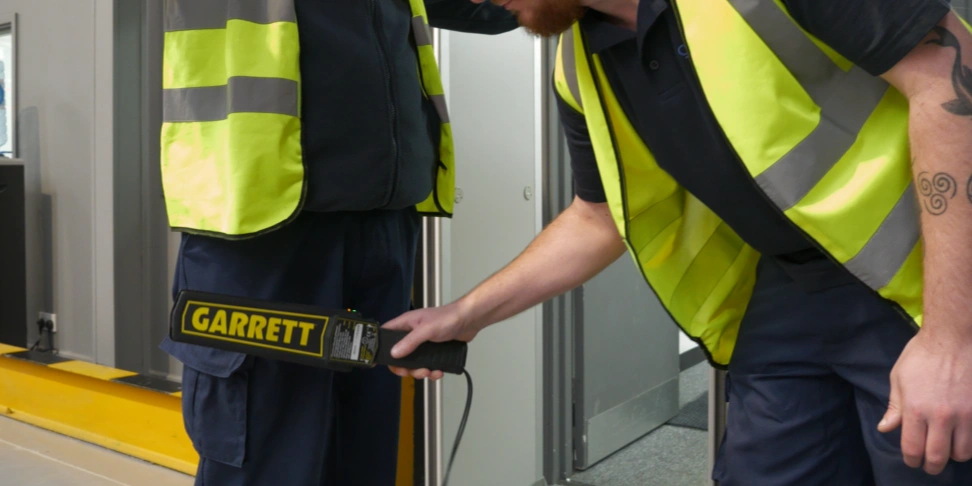
Restricted access means only letting approved individuals enter the room or handle the equipment. The wider business should not be able to walk in and remove a retired device.
Locked storage can provide a straightforward physical control for smaller businesses, while larger businesses may use controlled access rooms, cages or dedicated secure storage facilities.
Access should also be reviewed when employees change roles or leave the business. Someone who previously needed access to the equipment may no longer need access to the device once it is awaiting disposal.
Should Businesses Keep an Access Log for Retired Hardware?
For businesses handling sensitive information or large volumes of equipment, an IT disposal access log can provide useful additional control.
An IT disposal access log can record who entered the storage area, when they accessed it and what equipment they handled.
An access log is useful because if a device later is missing, there is at least a record showing who had authorised access to the area.
Keep the Asset Register Updated
The physical storage process should connect to the business’s asset register.
When a device is retired, its status should be updated so that there is a clear distinction between equipment still in use, equipment awaiting deployment and devices awaiting disposal.
This prevents a common problem of a laptop being physically moved to a disposal area but remaining listed as an active business asset.
Each device should have an asset tag or serial number to help match it up to the relevant disposal records.
That information becomes useful when several devices are stored together.
How Can Missing Devices be Prevented Before Collection?
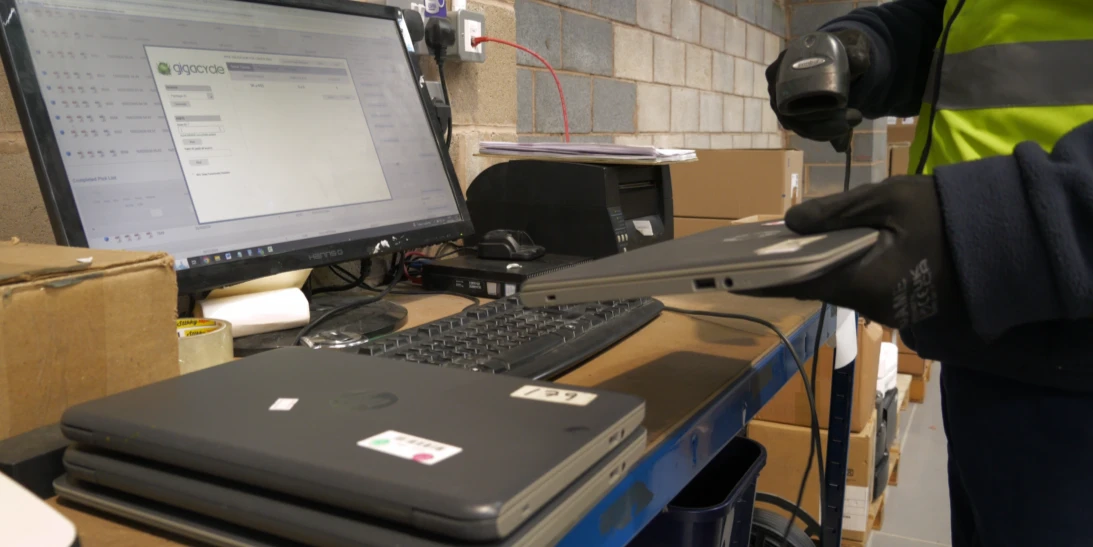
Every item entering the disposal process should be recorded, and the physical equipment should be matched against the record.
For example, a business preparing 50 laptops for destruction could create a list of all 50 devices before moving them into the storage area. The list can then be checked when the collection takes place.
This makes it easier to identify any differences before equipment leaves the site.
A disposal log can record when devices enter the disposal process, when they are collected and what happens afterwards. Combined with the asset register, this creates a much clearer trail of responsibilities and asset custody. These records can also support ITAD compliance audit controls by providing documented evidence throughout the disposal process.
Use Tamper Controls Where Appropriate
For higher-risk equipment, physical storage can be strengthened with tamper controls.
These can include:
- Tamper-evident security labels
- Hardened steel enclosures
- Internal switches that notice when a case opens or state changes.
For example, if multiple hard drives are placed in a secure container a tamper evident security label can show if a container has been accessed or broken.
Not every business will need this level of control. The appropriate approach depends on the type of equipment, the information it may contain and how long it will remain in storage.
The important thing is that the controls should match the risk rather than being added as an extra and making the process more complicated.
Manage the Hardware Destruction Queue
Equipment should not be allowed to sit endlessly in storage without a planned next step.
A hardware destruction queue can help businesses keep track of retired devices that have been approved for destruction but has not yet been collected.
The queue could include the number of assets waiting, the date they entered storage, the planned collection date, and any relevant handling requirements.
This makes it easier to identify equipment that has been waiting unusually long and helps prevent retired devices from becoming forgotten stock.
It also links physical storage with collection scheduling. Rather than waiting until the storage area is overflowing, businesses can plan collections around the volume of equipment waiting to be processed.
How Does Secure Storage Support ITAD Compliance?
Secure storage is an important element of meeting IT asset disposal policy requirements, helping businesses protect retired IT equipment while it awaits data erasure or destruction.
Key benefits include:
- Maintaining a secure chain of custody
- Restricting unauthorised access
- Supporting regulatory compliance
- Providing audit-ready documentation
Together, these measures help businesses reduce risk, maintain compliance, and keep retired devices secure throughout the disposal process.
Schedule Collections Before Storage Becomes a Problem
Secure storage should be temporary, not the final destination.
Once equipment has been approved for destruction and prepared for collection, businesses should schedule a secure IT collection with the appropriate disposal provider.
Planning collections helps prevent devices from building up unnecessarily and reduces the length of time sensitive equipment remains in the business.
For businesses with regular equipment refreshes, collections can be scheduled around known periods.
This makes the hardware destruction queue easier to manage and keeps the secure storage area under control.
Conclusion
Data security does not suddenly begin when a disposal provider arrives. It starts when equipment is taken out of service.
The solution is not necessarily complicated:
- A designated secure IT holding area,
- Restricted access
- Accurate asset records
- Controlled storage
- Planned collections
All these things can provide a solid foundation for secure IT asset disposal.
The goal is simple it is knowing what is waiting for destruction, know where it is, know who can access it and make sure it does not remain there longer than necessary.
That turns the period between retirement and destruction from a gap in the disposal process into a controlled part of it.